The good, the bad and the ugly - R.F. + wired sensors Not = Love !
This is my story about moving away from wired Dallas temperature sensors to wireless Zigbee sensors
Raspberry Pi 1-wire protocol
It was a big challenge to understand how it works, what to compensate and fix to avoid future frustrations !
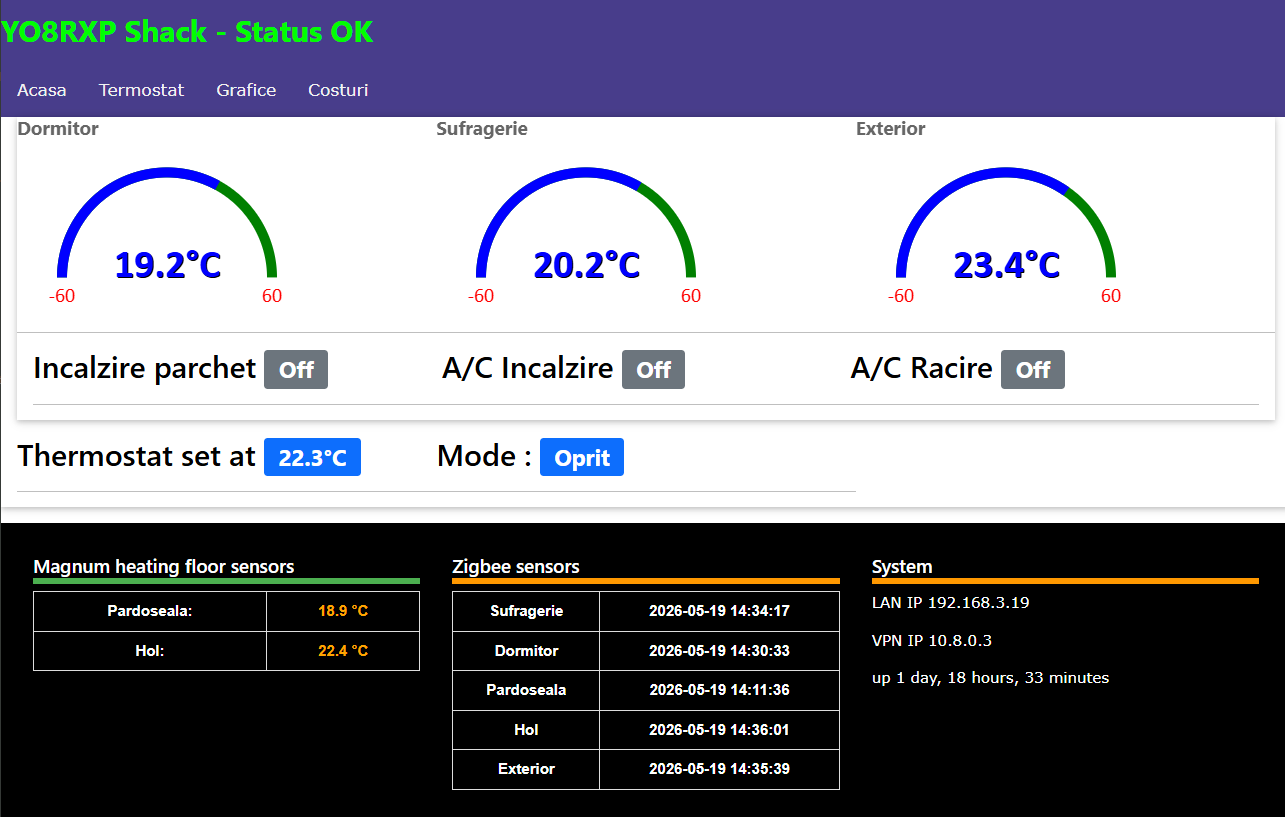
I have my own “Home assistant”, code written 4 years ago. It was based on wired DS18B01 temperature sensors, 3 for ambient measuring (Bedroom, Shack, Exterior) and another 5 for laminated floor electric heating system.
All was perfect until I sent first High Power CW signals, moment when sensors start miss behaving, erattic measurements, missing from 1-Wire bus also. I tried many countermeasures like ferrite beads, increase current, auto reset, auto detect, Try: / Except: all in vain.
Instead of enjoying HF contests, I had to periodically reset climate control Raspberry Pi to achieve some comfortable temperatures.
1
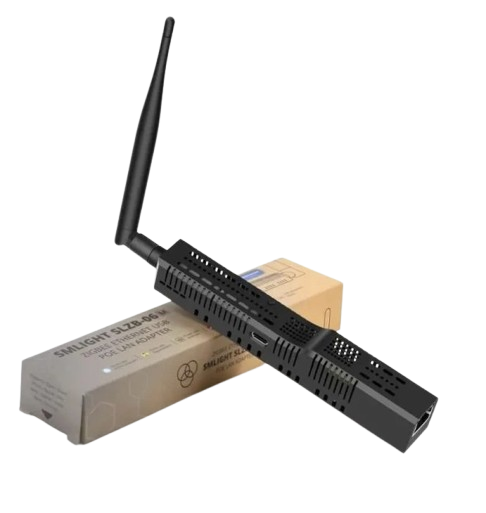
I bought 3 types, Sonoff USB dongle, Sonoff Bridge Pro and SMLIGHT SLZB-06p7U
I did Tasmota flash the Bridge Pro, but no joy.
Another 50 Euro and SLZB-06p7U was the winner for this project.
2
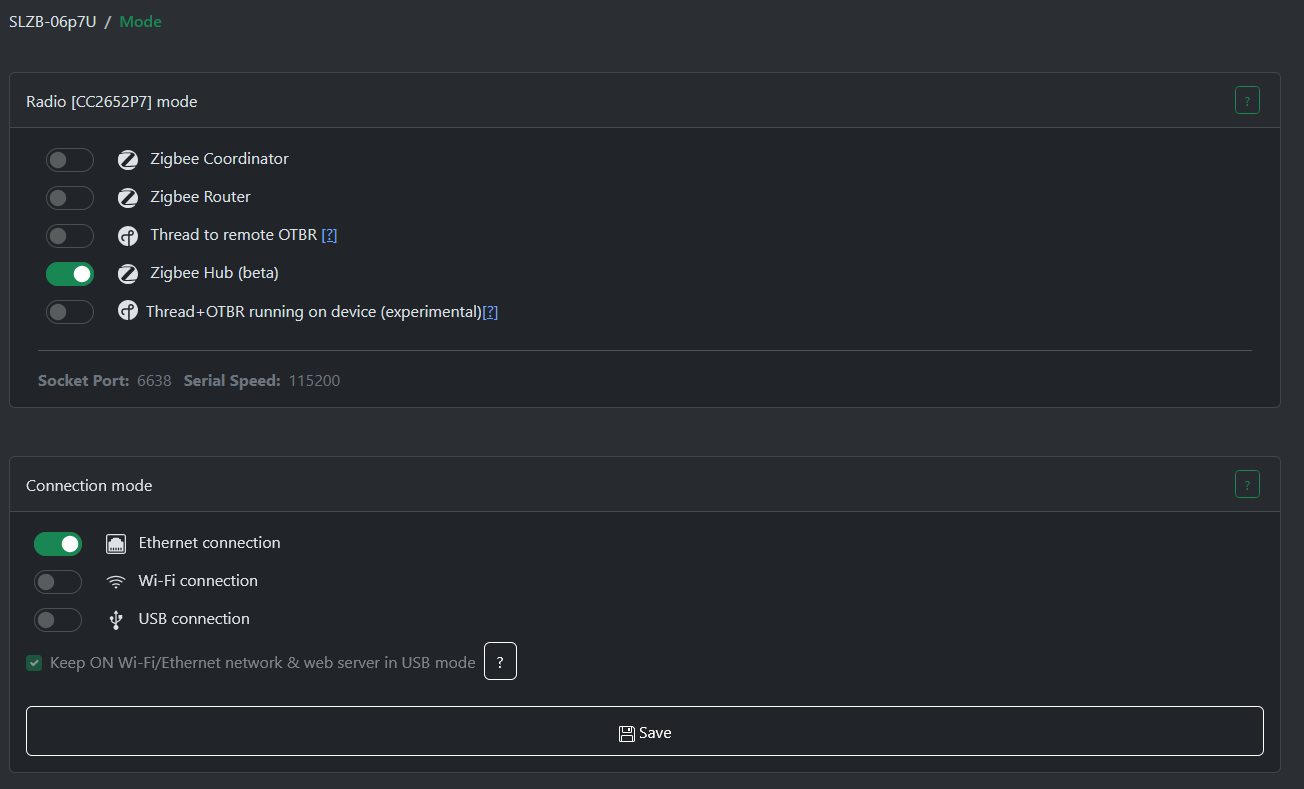
I tried Zigbee2Mqtt linux app, all fine but I wanted more. So I discovered that SLZB-06p7U can act like a Zigbee Hub, not only as a coordinator. I set it as a HUB (beta) mode and also set the MQTT Broker IP address
3
I decided is better to use MQTT broker locally, so I installed Mosquito under Raspberry Pi, so all future Python request to be made locally on localhost.
4
While using SLZB-06p7U as Zigbee hub, i was not happy seeing that it does not send last_seen timestamp to MQTT. I need that in my climate controll to determine if reference sensor is still online, otherwise turn off heating / cooling devices. So I had to write a new linux service named zigbee2SQL where to populate MariaDB with custom Epoch timestamp for each sensor message.
5
Min / Max Reporting time, this was a nightmare ! Multiple times I set this values to send reports much frequently but all in vain !
For a while, sensors seemed to act like accordingly, but once getting into deep sleep mode, they revert to factory settings.
I did not understood why but at the end, it makes sense !
6
Entire database had to be modified. to accept new sensors names and future extend plans.
Having a 7 " touch display in the wall and Php app for mobile phone also, I had to alter main Python and Php code.
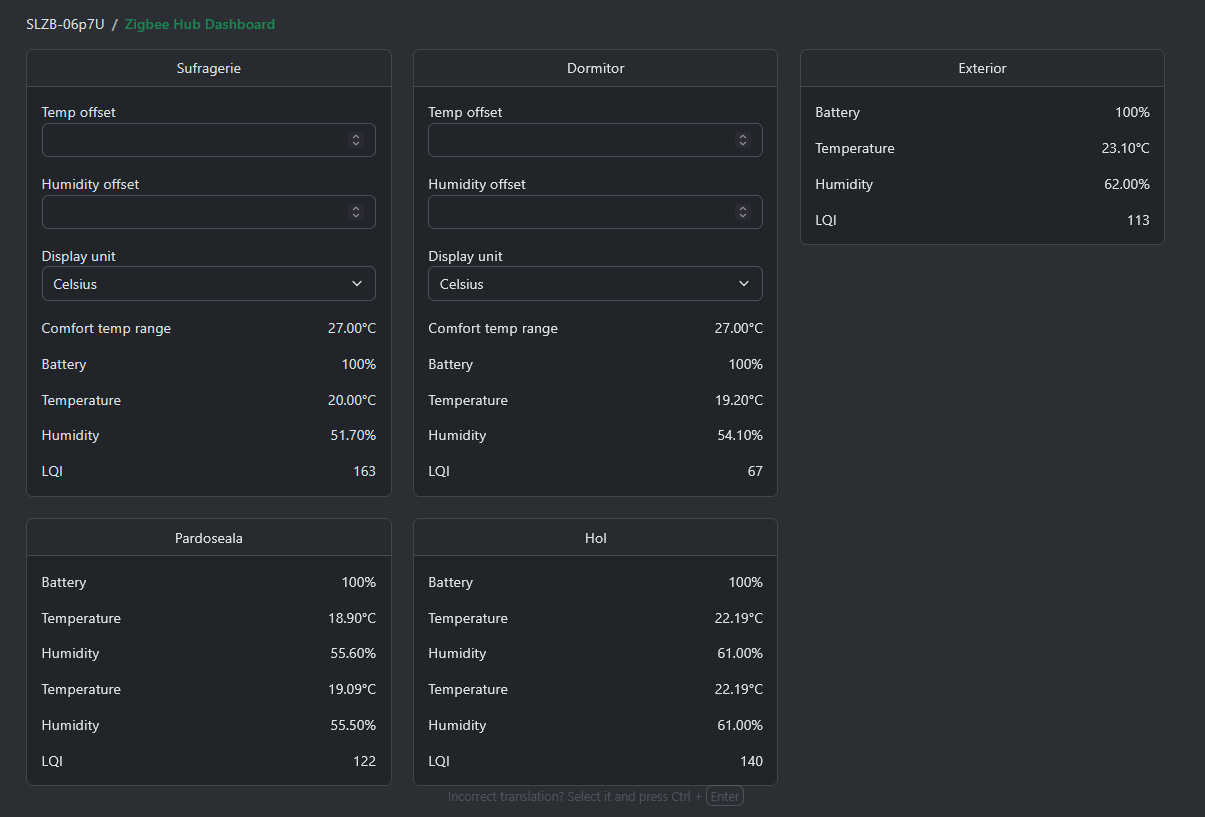
So far it reads 1 Sonof IP66 sensor for outside temp, 2 x Sonof and 2 x Imou sensors for in house measurements.
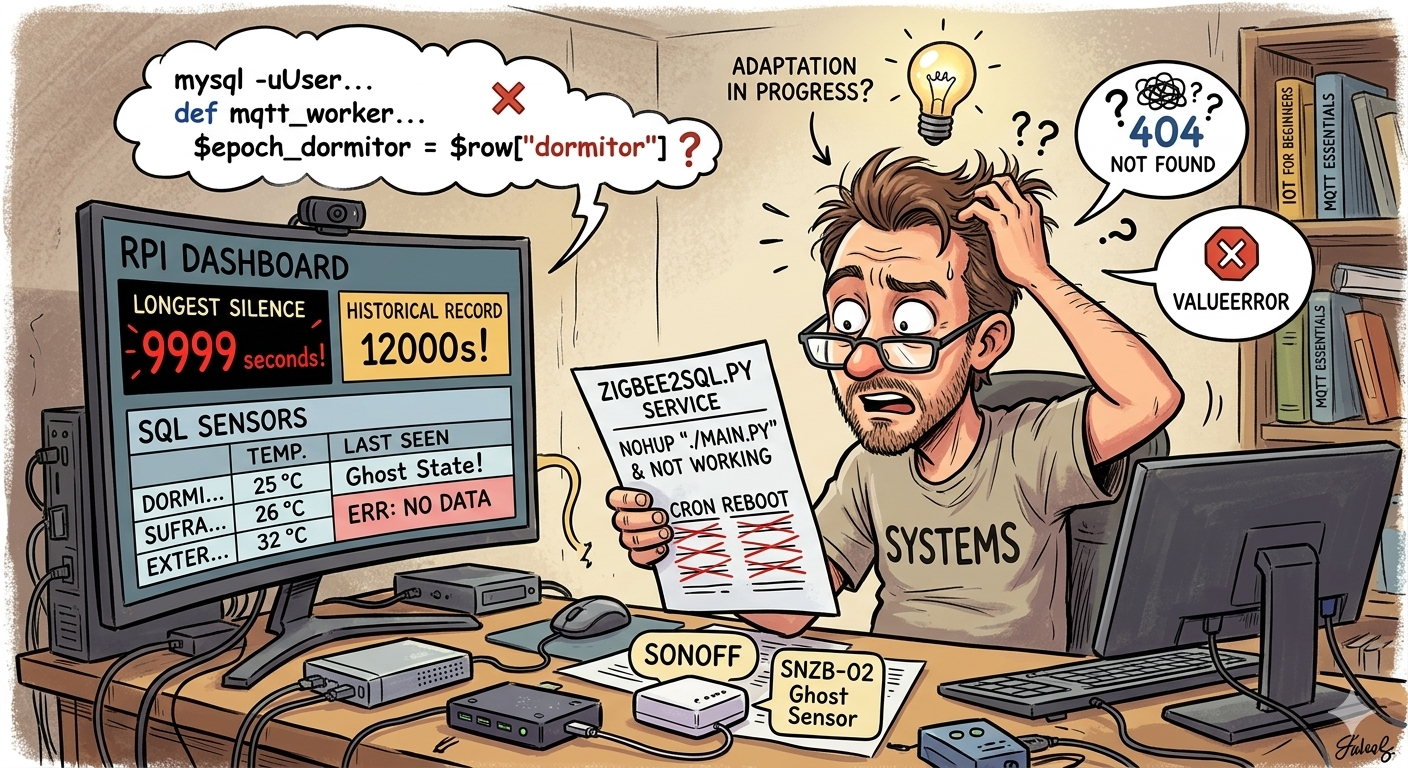
For battery long lasting, zigbee sensors will not transmit if no needed ! from time to time (3600 seconds) , they will woke up and report it just to inform you "Hey, I am still alive " If temperature start to increase / decrease for 0.2 Celsius, they will react faster and faster. In this case, set your app alive detector to more than 3600 for each sensor.
Some Imou sensors are not properly detected. In this case, go to Dev / and add custom definitions for them, you can find those online or using A.I. Save them with a name but do not forget to add .js extension. For some unknown reason, zigbee2mqq do not add .js after the name and after reboot, Imou sensors are still not OK !
					#!/usr/bin/python
# -*- coding: utf-8 -*-
import json
import time
import mysql.connector
import paho.mqtt.client as mqtt

# --- DATABASE CONNECTION CONFIGURATION ---
DB_CONFIG = {
    'host': 'localhost',
    'user': 'Username',       # Replace with your actual database username
    'password': 'Password',   # Replace with your actual database name
    'autocommit': True
}

def update_db(sensor_name, temperature, epoch_time):
    """Executes a thread-safe upsert directly to the SQL server."""
    connection = None
    cursor = None
    try:
        connection = mysql.connector.connect(**DB_CONFIG)
        cursor = connection.cursor()

        query = """
            INSERT INTO sensors (sensor_name, temperature, last_seen)
            VALUES (%s, %s, %s)
            ON DUPLICATE KEY UPDATE
                temperature = VALUES(temperature),
                last_seen = VALUES(last_seen);
        """
        cursor.execute(query, (sensor_name, temperature, int(epoch_time)))

    except mysql.connector.Error:
        pass  # Suppress errors to allow seamless background execution
    finally:
        if cursor:
            cursor.close()
        if connection:
            connection.close()


# --- MQTT EVENT HANDLERS ---
def on_connect(client, userdata, flags, rc, properties=None):
    client.subscribe("zhub/data/#")

def on_message(client, userdata, msg):
    try:
        topic = msg.topic
        payload = json.loads(msg.payload.decode())

        parts = topic.split('/')
        if len(parts) < 3:
            return

        ieee_address = parts[2]
        current_time = time.time()

        # --- HARDWARE ADDR MAPPING ---
        # MQTT Name matches the exact destination SQL String key
        mapping = {
            "a4c138017da8ffff": "Exterior",
            "8c73dafffe28136f": "Sufragerie",
            "8c73dafffeb5eca2": "Dormitor",
            "e406bffffeabe170": "Hol",
            "e406bffffeabd436": "Pardoseala"
        }

        if ieee_address in mapping:
            sensor_name = mapping[ieee_address]

            # Validate cluster format specifically for Temperature Data (0402)
            if "0402" in parts and 'data' in payload and 'val' in payload['data']:
                temp_val = float(payload['data']['val'])

                # Commit data points instantly to SQL Server
                update_db(sensor_name, temp_val, current_time)
                print ("facem update in SQL")

    except Exception:
        pass  # Maintain daemon stability by handling exceptions silently


if __name__ == '__main__':
    client = mqtt.Client(mqtt.CallbackAPIVersion.VERSION2)
    client.on_connect = on_connect
    client.on_message = on_message

    try:
        client.connect("localhost", 1883, 60)
        client.loop_forever()
    except (KeyboardInterrupt, SystemExit):
        pass